


Printer & Scanner Help
Printer offline? Nothing comes out when you press Print? If you are a Tech to Us customer, call us and we'll help you get printing again.



Printer Setup

Printing Help
Scanning Help
Printer Problems We Help With
- My printer says it is offline.
- I press Print and nothing comes out.
- I have a new printer and need it set up.
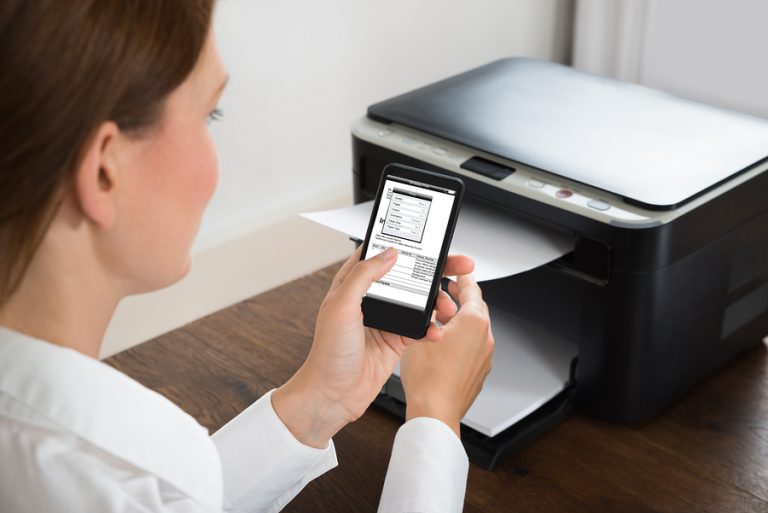
- I want to print from my phone or iPad.
- I can't scan to my computer.
- I need help sending a fax.
How We Help Our Customers
Printer and scanner help is included with every Tech to Us plan. A US-based technician will:
- Connect to your computer, with your permission, and find the problem
- Help get your printer back online and printing
- Set up a new printer on your Wi-Fi
- Show you how to scan, and how to print from your phone
Not a customer yet? Choose a plan to get started.

Common Questions
Why does my printer say offline?
The printer has usually lost its connection to your Wi-Fi or your computer. Turn the printer off, wait a minute, then turn it back on. If it still says offline and you are a Tech to Us customer, call us and a technician will help you reconnect it.
Can you set up my new printer?
Yes, for Tech to Us customers. Unpack the printer, put in the ink and paper, and plug it in. A technician will then help you connect it to your Wi-Fi and your computer, and print a test page with you.
Can I print from my phone or tablet?
Most wireless printers can print from an iPhone, iPad or Android device. Tech to Us customers can call us, and a technician will walk you through it.
Where do my scans go?
Scans are saved in a folder on your computer, often Documents or Pictures. A technician can show Tech to Us customers where to find them, and how to email one.
Printer Trouble? We Can Help.
Tech to Us customers can call us when a printer or scanner stops working.